> ## Documentation Index
> Fetch the complete documentation index at: https://docs.sudocode.ai/llms.txt
> Use this file to discover all available pages before exploring further.
# Spec Management
> Writing and managing specifications in sudocode
## Spec Writing & Updating
Specs are a powerful way for users to express intent for what they are trying to build.
## Step 1: Create a Spec
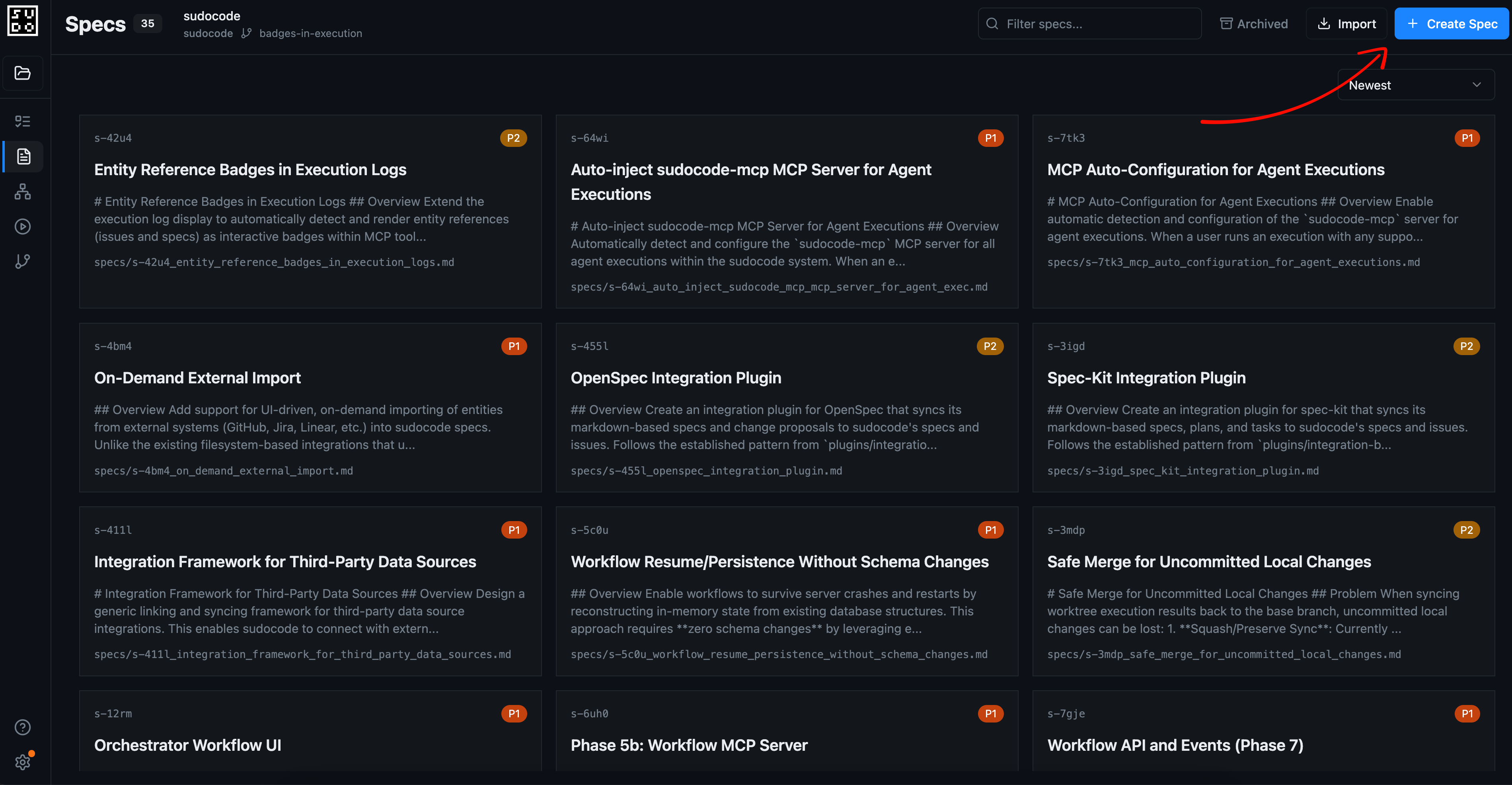 The web server provides a way to co-author specifications by talking to your coding agent, plugged directly into sudocode.
Describe what you want directly to your agent. This will spawn an execution, where the agent can gather context from your repository, while you provide any additional intent or feedback.
The web server provides a way to co-author specifications by talking to your coding agent, plugged directly into sudocode.
Describe what you want directly to your agent. This will spawn an execution, where the agent can gather context from your repository, while you provide any additional intent or feedback.
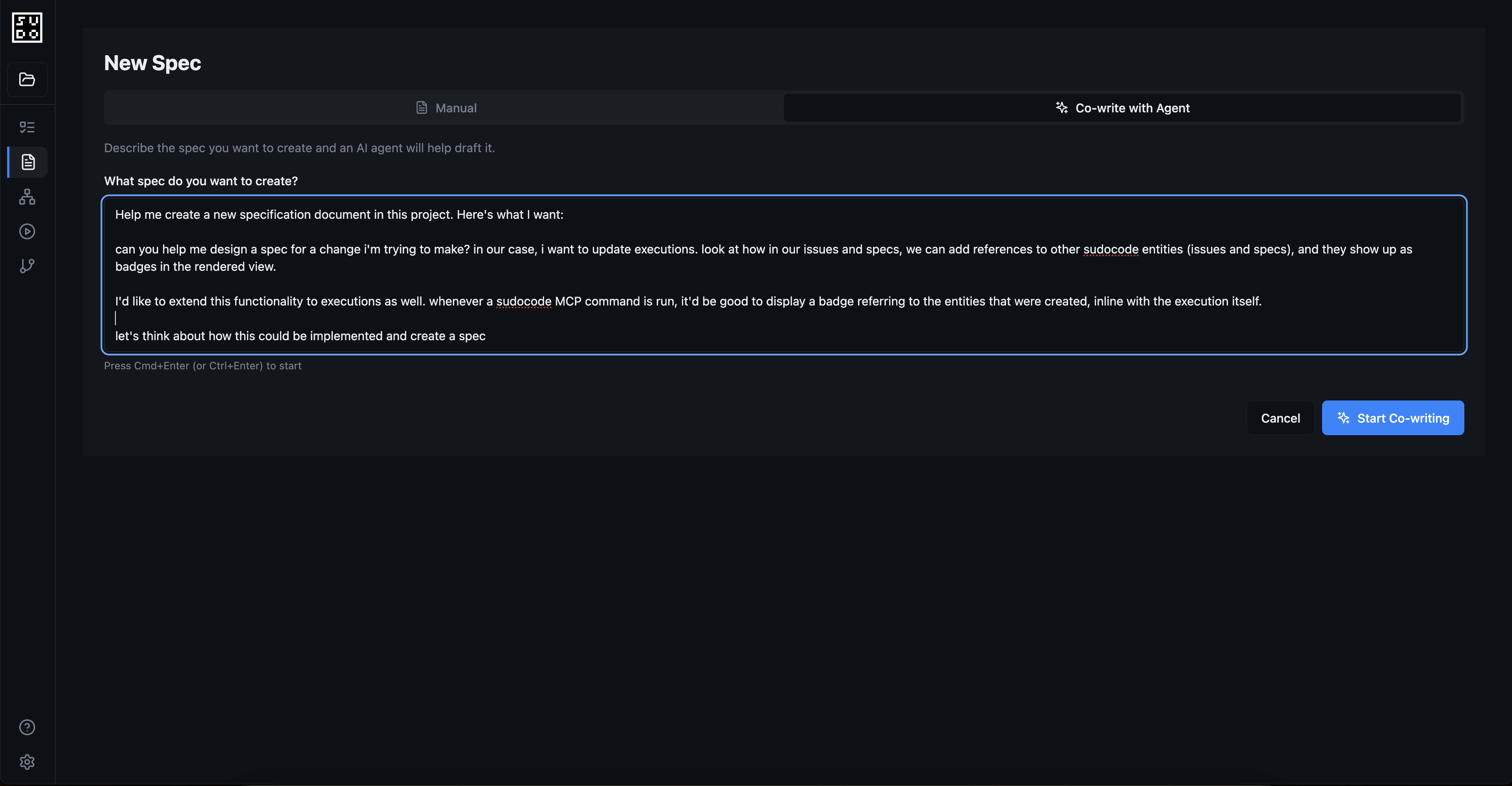 ## Step 2: Direct Edit, Co-edit, and Plan Implementation
Once you create your spec, you'll be able to:
* View and edit rendered markdown directly
* Navigate between linked relationships and linked entities using `[[spec-id]]` references
* Co-edit specs with an agent collaboratively
* Plan and write implementation tasks with an agent
## Step 2: Direct Edit, Co-edit, and Plan Implementation
Once you create your spec, you'll be able to:
* View and edit rendered markdown directly
* Navigate between linked relationships and linked entities using `[[spec-id]]` references
* Co-edit specs with an agent collaboratively
* Plan and write implementation tasks with an agent
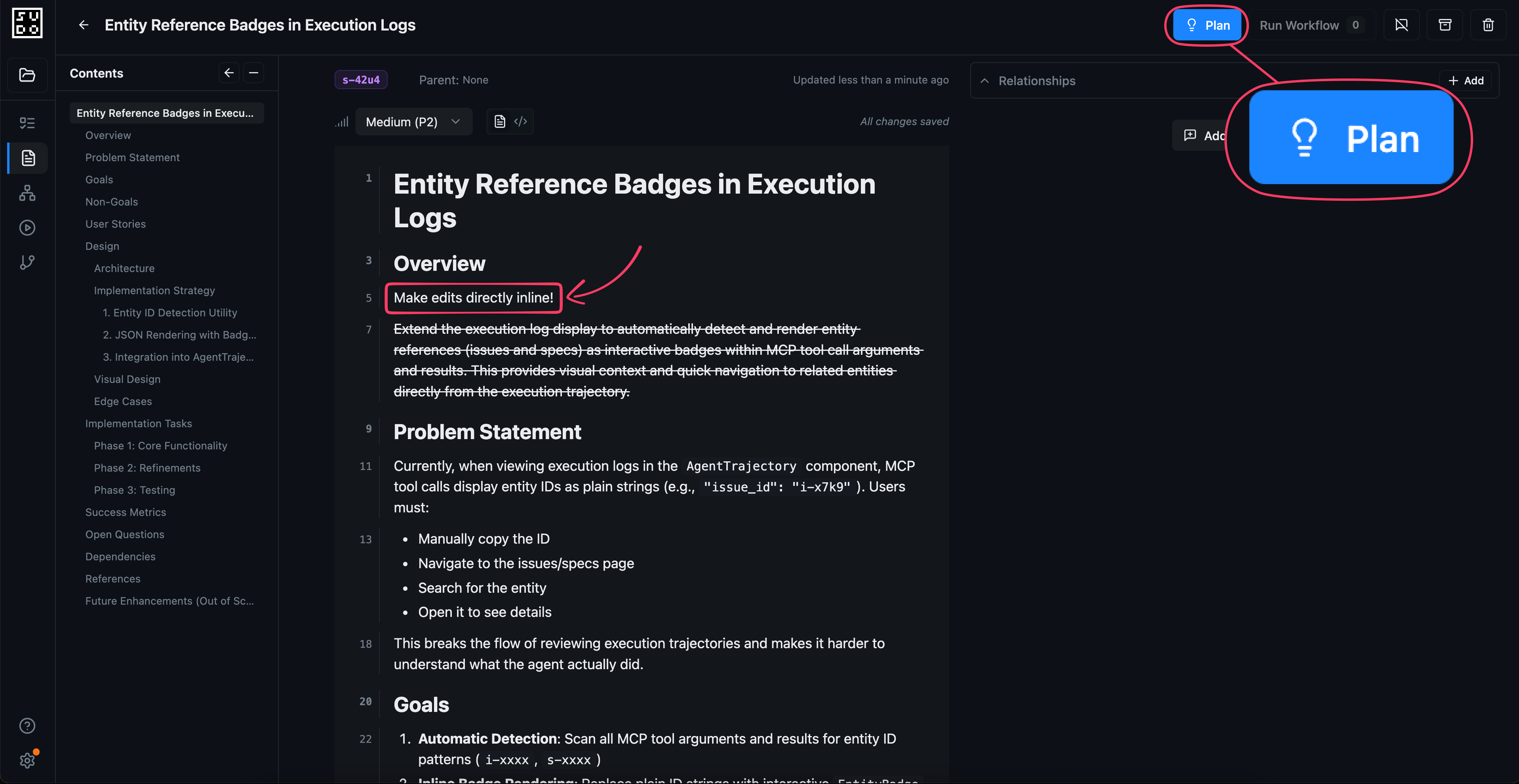 ## Step 3: Implement Your Spec with a Workflow
Once you've planned your spec's implementation and created issues, you'll be able to run a workflow to implement all open issues on your spec. This will dispatch a workflow agent that will spawn a series of agents to implement each task in sequential order, based on the dependencies of your issues.
## Step 3: Implement Your Spec with a Workflow
Once you've planned your spec's implementation and created issues, you'll be able to run a workflow to implement all open issues on your spec. This will dispatch a workflow agent that will spawn a series of agents to implement each task in sequential order, based on the dependencies of your issues.
 ## Best Practices
As you create, plan, and implement your specs, follow these best practices:
Write specs that clearly define what should be built and why. Focus on abstractions and requirements, and less on implementation details.
Connect specs to related specs, issues, and other entities. Use the agent edit mode to discover and add references as needed.
Specs can be decomposed into smaller sub-specs. Use relationships and references to model this hierarchy for clarity.
When agents implement issues, they provide feedback about what worked and what didn't. Use this to improve your specs over time.
## Next Steps
Follow a complete workflow from spec creation to implementation
Manage issues in the web interface
Use the command-line interface
Understand spec fundamentals
## Best Practices
As you create, plan, and implement your specs, follow these best practices:
Write specs that clearly define what should be built and why. Focus on abstractions and requirements, and less on implementation details.
Connect specs to related specs, issues, and other entities. Use the agent edit mode to discover and add references as needed.
Specs can be decomposed into smaller sub-specs. Use relationships and references to model this hierarchy for clarity.
When agents implement issues, they provide feedback about what worked and what didn't. Use this to improve your specs over time.
## Next Steps
Follow a complete workflow from spec creation to implementation
Manage issues in the web interface
Use the command-line interface
Understand spec fundamentals