

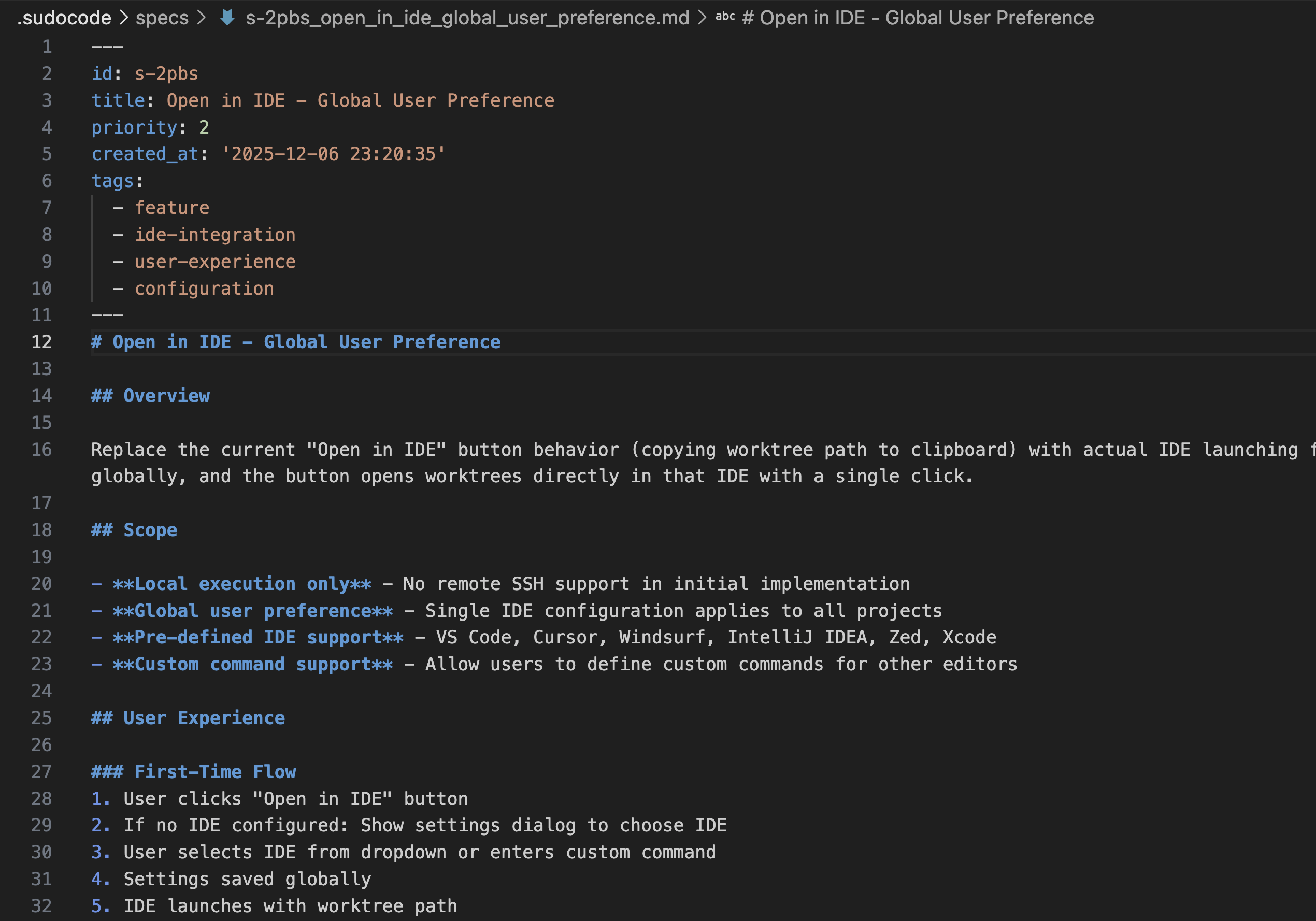
When to Create a Spec
Create a spec when you need to:Document Requirements
Capture what needs to be built and why, before breaking down into implementation tasks
Record Decisions
Document architectural choices, API designs, or technical approaches for future reference
Guide Implementation
Provide detailed context that agents need to implement features correctly
Enable Feedback
Create a target for agents to provide feedback on requirements and discover gaps
- Simple, well-understood tasks (e.g., “fix typo in README”)
- Quick bug fixes with obvious solutions
How to Create a Spec
Method 1: Collaborative Q&A with Agent
Have a conversation with your AI agent about requirements, then capture the discussion in a spec.1
Discuss requirements
2
Refine iteratively
3
Capture in spec
Method 2: Breaking Down into Subspecifications
Point to an existing spec and break a section into a more detailed subspecification.1
Identify section to expand
2
Agent creates child spec
3
Verify relationship
Method 3: Agent-Driven Research
Ask the agent to research a topic and create a spec based on findings.1
Request research
2
Agent compiles findings
3
Agent creates spec with sources
Organizing Specs
Hierarchical Organization
Use parent-child relationships for complex features:Cross-References
Link related specs using[[SPEC-ID]] syntax:
Tagging
Use tags for categorization and filtering. Agents automatically add tags based on content, but you can also specify them explicitly when creating or updating specs.Best Practices
Start with 'Why'
Start with 'Why'
Explain why this feature exists before describing what it does.Good:Bad:
Separate Requirements from Implementation
Separate Requirements from Implementation
Specs should describe what and why, not how.Requirements (spec):Implementation (code/issues):
Expect Specs to Evolve
Expect Specs to Evolve
Specs are living documents. Agents will provide feedback:Agent feedback:Updated spec:
Linking Specs to Issues
Create implementation relationships between specs and issues using theimplements relationship. Simply ask an agent to link an issue with a spec.
Below is an example of what the agent will do:
1
Review spec
2
Create implementation issues
{ "id": "ISSUE-042" }3
Link issue to spec
ISSUE-042 implements SPEC-005 and can provide feedback on the spec during implementation.
Related Documentation
Issue Creation
Creating and organizing implementation issues
Issue Execution
Agents claiming and completing work
Agent Workflows
Practical workflow examples
Specs Concept
Deep dive on specifications
Next Steps
1
Choose a method
Pick the spec creation method that fits your task:
- Collaborative Q&A: New features needing discussion
- Subspecifications: Breaking down complex features
- Agent research: Exploring new technologies
- Existing code: Documenting current implementations
2
Create your first spec
Try creating a spec using Method 1 (collaborative Q&A):
3
Create implementation issues
Break down your spec into issues:
- Review the issue creation guide
- Link issues to spec using
implementsrelationship
4
Expect feedback
As agents implement, they’ll discover gaps and provide feedback on your spec. This is normal and valuable - specs improve through implementation.